 Sahil K
Your Salesforce team knows LWC. Your web team knows Angular or React. For years, that gap meant one side had to retrain, or you built the app outside Salesforce and then dealt with hosting, OAuth and token handling yourselves.
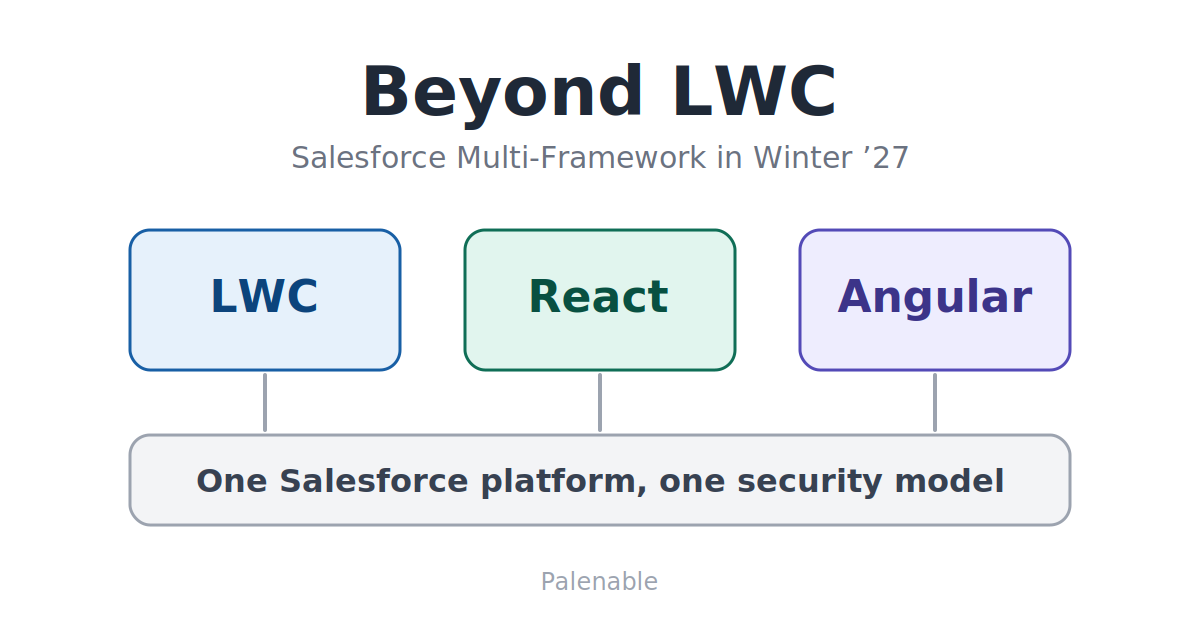
Salesforce Multi-Framework is the company’s answer to that gap, and Winter ’27 is the release where it starts to look finished.
Quick answer: Salesforce Multi-Framework lets teams build Salesforce apps with React or Angular instead of only LWC, and run them natively on the platform. Winter ’27 made Angular generally available, made Microfrontend generally available, and added managed packaging for non-site apps. LWC still has a clear job, but it’s no longer your only choice.
What Salesforce Multi-Framework actually is
Multi-Framework is a framework-agnostic runtime that lets developers build web apps with frontend frameworks they already know and run them directly on the Salesforce Platform. The app inherits Salesforce authentication, security and governance, so there’s no separate hosting stack and no manual token management.
In practice, your app lives in a normal Salesforce DX project as a UIBundle metadata type. You build it with your usual npm workflow and deploy it with the same Salesforce DX commands you use for everything else.
Here’s how quickly it moved in 2026:
- April: open beta with React only, limited to scratch orgs and sandboxes, not available in production.
- July: React became generally available. The beta’s
AppLaunchertarget was replaced byCustomApplication, which broke some early projects. - Winter ’27 (October): Angular joined React as a GA framework, and Microfrontend went GA.
That’s three stages in about six months. If you wrote this off during the beta, it’s worth another look.
What changed in Winter ’27
Salesforce lists these as the headline items for Multi-Framework in Winter ’27:
- Angular is GA. Three templates ship with it: one for employee apps, one for customer and partner apps through Experience Cloud, and a minimal starter.
- Microfrontend is GA. You can embed React and Angular experiences in Lightning Experience, Experience Cloud, the Salesforce mobile app and Mobile Publisher apps.
- Managed packages. Partners can package, distribute and upgrade non-site (employee-facing) apps. Site-based apps aren’t supported in managed packages yet.
- Localization. A new i18n module formats dates, numbers and currency using the user’s Salesforce locale, and a labels extension retrieves custom labels by namespace and locale.
- MFA support. Apps work with Salesforce multi-factor authentication without a separate login flow.
- Multi-Framework Insights (beta). A Scale Center report showing performance and usage for your most-viewed apps.
One caution. Salesforce’s own October 5 developer guide still labeled Microfrontend as beta, while the October 15 Multi-Framework post calls it GA. Check the current release notes for your org before you promise it to a stakeholder.
Security: what stays the same when you leave LWC
This is the question we hear first from CTOs. If the UI isn’t LWC, who enforces access?
Salesforce says internal apps run on a dedicated salesforce.app domain, where browser origin boundaries isolate each app from the Lightning runtime and from other apps. The platform still enforces object-level security, field-level security, sharing rules and validation rules on supported data requests and saves.
The Data SDK gives React and Angular apps the same GraphQL operations, so choosing Angular doesn’t change the security model. That’s a strong design choice. It means your frontend team can’t quietly bypass sharing just because they prefer a different framework.
Still, test it. Build a small app, log in as a low-access user, and confirm what they can and can’t see before anything reaches production.
Microfrontend: the piece most teams will use first
Most orgs aren’t going to rebuild everything. Microfrontend is the practical bridge.
A thin LWC renders the lightning-ui-embedding component and points it at your deployed app. Salesforce hosts the app in a sandboxed iframe and opens a two-way channel with the host page. The LWC can pass properties down, and the app can send events back up.
Salesforce’s own example: an LWC filter passes an industry into an embedded Angular account list. When a user picks an account, the Angular app sends the record ID back, and the LWC shows the record with native Salesforce components.
That pattern is useful. You keep LWC for record pages and deep platform composition, and use React or Angular for a self-contained workspace on the same page.
Multi-Framework vs LWC: when to use which
| Situation | Better fit | Why |
|---|---|---|
| Record page component, Lightning page tweak | LWC | Native composition and the existing component model |
| Self-contained app, such as a pricing workspace or field tool | Multi-Framework (React or Angular) | Full app structure and a large ecosystem of libraries |
| Customer or partner portal with a custom look | Multi-Framework external app | Frontend freedom on Experience Cloud |
| Existing React or Angular app you don’t want to rebuild | Microfrontend | Embed it, don’t rewrite it |
| ISV selling an employee-facing app | Multi-Framework with managed package | Packaging now supports non-site apps |
| Small team with only Salesforce skills | LWC | One skill set to maintain |
Here’s our view. Most orgs should treat Multi-Framework as an addition, not a replacement. Teams that already have Angular or React developers gain the most. Teams without them will mostly add cost and a second skill set to maintain.
Three ways to build: Vibes, Builder Central and Quick Pages
Salesforce also pairs Multi-Framework with three build paths:
- Agentforce Vibes (GA) is the coding environment in VS Code and a web IDE. It now supports Angular as well as React.
- Builder Central (beta) lets admins describe an app in natural language and refine it through conversation.
- Quick Pages (beta) lets business users describe a page and get tabs, charts and tables on live Salesforce data. Pages respect the viewer’s field- and object-level security.
Because a Multi-Framework app is a standard Salesforce DX project with an npm build, tools like Claude Code can work on it too. We’d be careful here. Generated code still needs review, testing and an owner, the same as anything a person wrote.
[ADD PALENABLE CASE STUDY: industry, app built or embedded, framework chosen, result]What can still go wrong
This isn’t a free upgrade. Watch for these:
- Two skill sets. One team maintains LWC, another maintains React or Angular. Without clear ownership, nobody owns the seams between them.
- Beta features in production plans. Multi-Framework Insights, Builder Central and Quick Pages are beta. Don’t build your monitoring or delivery plan around them yet.
- Gaps on the roadmap. Salesforce says Vue and Government Cloud support are still coming. If you need either, wait.
- Early-beta assumptions. In the April beta, React components couldn’t be dropped into Lightning App Builder. Check current documentation before you plan around old limits, in either direction.
- Unreviewed generated code. Faster to build doesn’t mean safe to ship.
Winter ’27 Multi-Framework readiness checklist
- List your frontend skills. Count the React and Angular developers you actually have. Be honest about who’ll maintain the app in two years.
- Pick one self-contained app. Choose something with clear users and clear data, not a full rewrite.
- Decide the target. Employee app through the App Launcher, customer or partner app through Experience Cloud, or an embed inside an existing page.
- Start in a sandbox or scratch org. Test with a low-access user to confirm sharing and field-level security behave as expected.
- Plan the data layer. The Data SDK uses GraphQL, so decide which objects the app needs and what Apex it depends on.
- Check packaging needs. If you’re an ISV, remember managed packages cover non-site apps only.
- Set up monitoring. Use Insights if you’re comfortable with beta, and keep your own performance checks as a backup.
Not sure whether your next app belongs in LWC, React, Angular or an embed? Our certified Salesforce developers can look at your use case and give you a straight answer. [Talk to our team.]
Should you adopt Multi-Framework now?
Start now if you have React or Angular developers, an app that stands on its own, and a clear owner. Or if you’ve been avoiding a Salesforce project because the frontend options felt too narrow.
Wait if your team is Salesforce-only, if you need Vue or Government Cloud, or if your main need is a few record page tweaks. LWC does that job well.
Either way, run one pilot app first. Learn how deployment, security and support feel for your team before you commit a roadmap to it.
Ready to talk it through?
Winter ’27 gives you more frontend choice on Salesforce than you’ve had before. More choice means more room for a bad fit.
At Palenable, we build with Apex and LWC, connect Salesforce to other systems, and run implementation and ongoing admin support. Send us a short note on the app you’re planning, and we’ll tell you which approach we’d pick and why. [Book a consultation.]
Frequently asked questions
What is Salesforce Multi-Framework?
Salesforce Multi-Framework is a runtime that lets developers build web apps with frameworks like React and Angular and run them natively on the Salesforce Platform. Apps inherit Salesforce authentication, security and governance without a separate hosting stack.
Does Multi-Framework replace LWC?
No. LWC still fits record pages and deep platform composition. Multi-Framework suits self-contained apps, and Microfrontend lets you combine the two on one page.
Which frameworks does Salesforce Multi-Framework support?
React and Angular are generally available as of Winter ’27. Salesforce says Vue is next on the roadmap.
Is Salesforce Multi-Framework generally available?
React became generally available in July 2026, and Angular and Microfrontend became generally available with Winter ’27. Multi-Framework Insights, Builder Central and Quick Pages are still beta.
Are Multi-Framework apps secure?
Salesforce says the platform still enforces object-level security, field-level security, sharing rules and validation rules on supported data requests. Internal apps run on an isolated salesforce.app domain. Test with low-access users before production.
Can I embed an existing React or Angular app in Salesforce?
Yes. Microfrontend uses the lightning-ui-embedding component to host an app in a sandboxed iframe, with two-way communication between the app and the surrounding Salesforce page.
Sources
- Salesforce Developers: What’s New in Salesforce Multi-Framework, Angular Is Now GA
- Salesforce Developers: The Developer’s Guide to the Winter ’27 Release
- Salesforce Developers: Build with React on Salesforce, Multi-Framework Is Now GA
- ADT Magazine: Salesforce Opens Beta for React-Based App Development
- Salesforce Developers: Multi-Framework project structure and metadata